Integrations
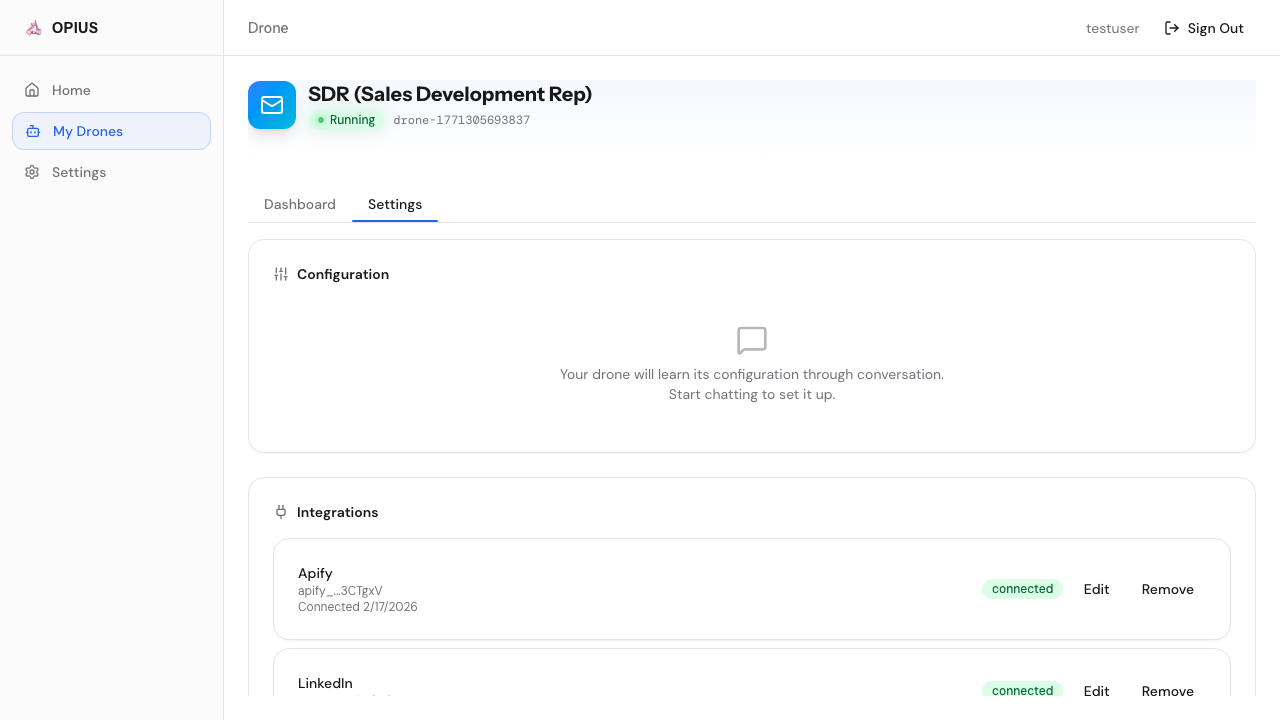
Opius Drone supports 13 integration providers. Each drone comes with pre-installed connectors — you just connect your credentials.
Connection Methods
| Method | How It Works |
|---|---|
| OAuth | Authorize via Google or provider-specific OAuth flow |
| API Key | Paste your provider API key — stored encrypted at rest |
| Browser Login | Log in via a live browser viewport in the dashboard |
Provider Directory
| Provider | Connection | Free? | Description |
|---|---|---|---|
| Gmail | OAuth or Browser Login | Yes | Send/receive emails, manage inbox |
| HubSpot | API Key | Yes | CRM sync, contact management |
| Slack | API Key | Yes | Messages, channels, notifications |
| Browser Login | Yes | Profile viewing, messaging | |
| Twitter / X | Browser Login | Yes | DMs, posts, social monitoring |
| Notion | API Key | Yes | Pages, databases, knowledge base |
| Apollo | API Key | No | People search, email finder ($0.03/credit) |
| Instantly | API Key | Yes | Email campaigns, lead import |
| Hunter | API Key | No | Email finder ($0.03/search) |
| Clearbit | API Key | No | Person/company enrichment ($0.05-0.10/lookup) |
| Apify | API Key | No | Web scraping ($0.0005/result) |
| Browser Login | Yes | Subreddit engagement, DMs, profile research | |
| Browser Login | Yes | Messenger, Marketplace, page/group engagement |
How to Connect
- Go to your drone’s Settings → Integrations
- Click Connect on the provider you want
- Follow the provider-specific setup:
- API Key: Paste your key — stored encrypted at rest
- OAuth: Click through the authorization flow
- Browser Login: Log in via a live browser viewport in the dashboard
Security
All credentials are encrypted at rest and in transit. Browser sessions use persistent profiles stored on your drone’s dedicated instance. No credentials are shared between customers.